Record your screen.
Edit it. Keep it.
A free, open-source screen recorder and screenshot tool for Chrome. Capture, annotate, trim, crop, zoom and export to MP4 or GIF — entirely on your own machine.
A walk through the editor — trim · annotate · zoom · audio · backdrop · export. Recorded on-device.
Capture and edit in one place — and it never phones home.
Record anything
Current tab, a whole screen, or any app window. Add a floating camera + controls bubble, or capture just the webcam.
Screenshots & annotate
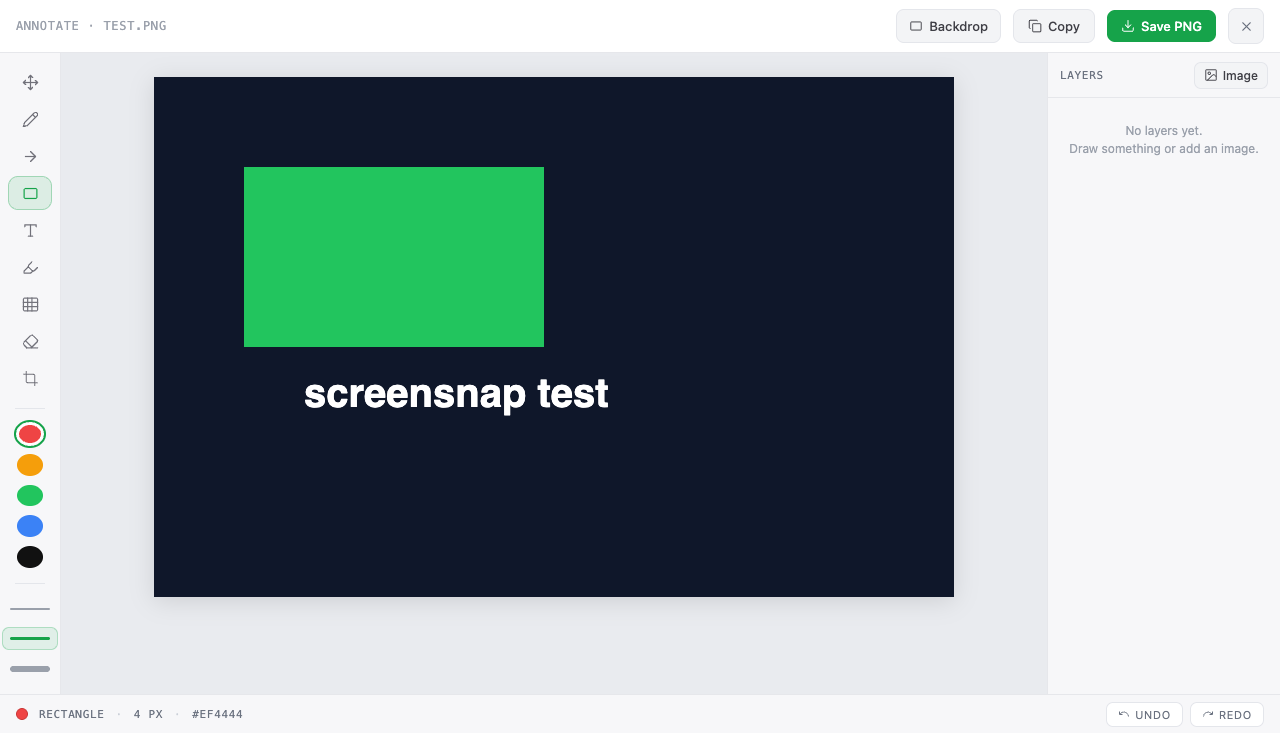
Visible-area or full-page capture, then arrows, text, highlight, blur/redact and crop — saved as a clean PNG.
A real video editor
A multi-track timeline: trim, cut, crop and zoom, time-scoped text / arrow / image / GIF overlays, audio mute regions and a voiceover track — live preview.
Beautify & zoom
Wrap a clip in a gradient backdrop with rounded corners and a soft shadow, then zoom in with draggable, resizable focus blocks.
Export your way
Save the original instantly, or export an edited native MP4 (720p / 1080p presets that genuinely shrink files) or an animated GIF — all encoded on your device.
Private by design
No screensnap servers, no telemetry, no analytics. Captures stay on your machine; the only network traffic is the optional backup you can connect to your own Google Drive. Free and open source (GPL-3.0).
Capture → edit → export
Capture
Pick a screenshot or a recording source. A finished recording opens straight in the editor.
Edit
Trim, cut and zoom on a multi-track timeline, mute or mix in audio, add a backdrop, annotations, logos or a looping GIF.
Export
Download a native MP4 or an animated GIF — encoded locally, watermark-free.
The purpose of this app, in plain words.
screensnap is a free, open-source Chrome extension for screen recording and screenshots. It records a browser tab, an app window, or your whole screen, with optional webcam and microphone, and captures visible-area or full-page screenshots. A built-in timeline editor then lets you trim, cut, crop, zoom, annotate, and mix audio, and exports a native MP4 or an animated GIF. All capture, editing, and encoding happen on your own computer.
Optionally, you can connect your own Google Drive and screensnap will back up recordings to it. This is off by default, you turn it on inside the extension, and it is the only thing screensnap ever uses the internet for.
What it can touch
With your consent, screensnap uses Google's narrowest Drive scope (drive.file): it can create files in your Drive and see only the files it created itself. It cannot read, browse, or change anything else in your Drive, and it never sees your Google password.
How it is used
Recordings you choose to upload (or every finished recording, if you enable auto-upload) go from your browser straight to a private screensnap folder in your Drive. There are no screensnap servers and no middleman: we never receive, store, analyze, sell, or share your files or your Google data. screensnap's use of information received from Google APIs adheres to the Google API Services User Data Policy, including the Limited Use requirements.
You stay in charge
Connect and disconnect in the extension's Cloud setup window. Disconnecting revokes screensnap's access at Google, and you can also revoke it anytime at myaccount.google.com/permissions. Uploaded files are private to your account and stay in your Drive. Details in the privacy policy.